💼 Remitter Transaction Page
Sending Money: Currency and Country Selection
When users click the Send button on the initial screen, they are taken to a new page like the one shown below:
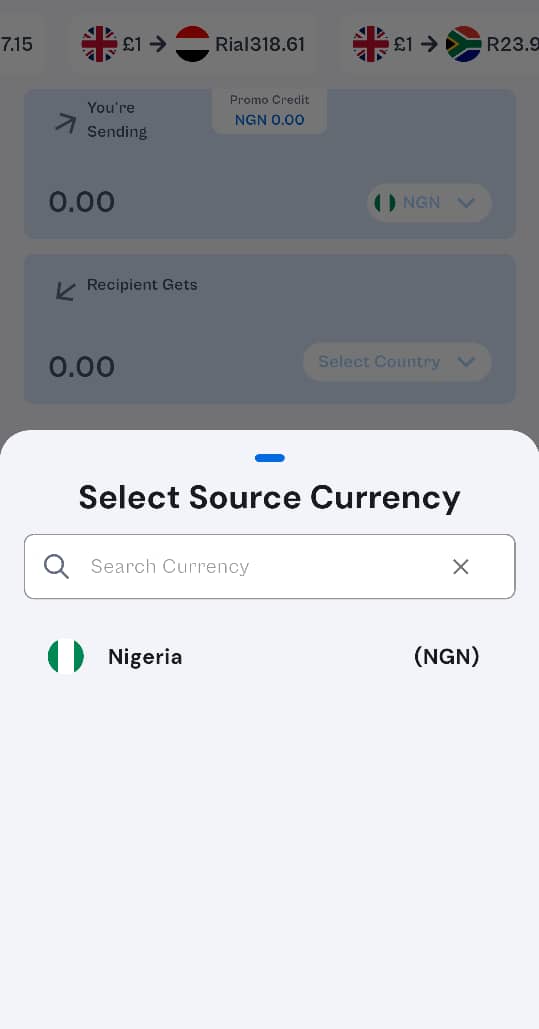
On this screen:
- Users enter the amount they wish to send.
- The system automatically detects and displays the currency based on the selected destination country.
- By default, the currency is shown as NGN (₦) since Nigeria is the sender’s country.
- To send to a different country, users can click on the dropdown that currently shows "Ngn".
- From there, they can select the destination country (e.g., United Kingdom), and the appropriate currency (e.g., GBP) will be applied automatically.
This ensures a seamless sending experience with real-time currency updates based on the chosen country.